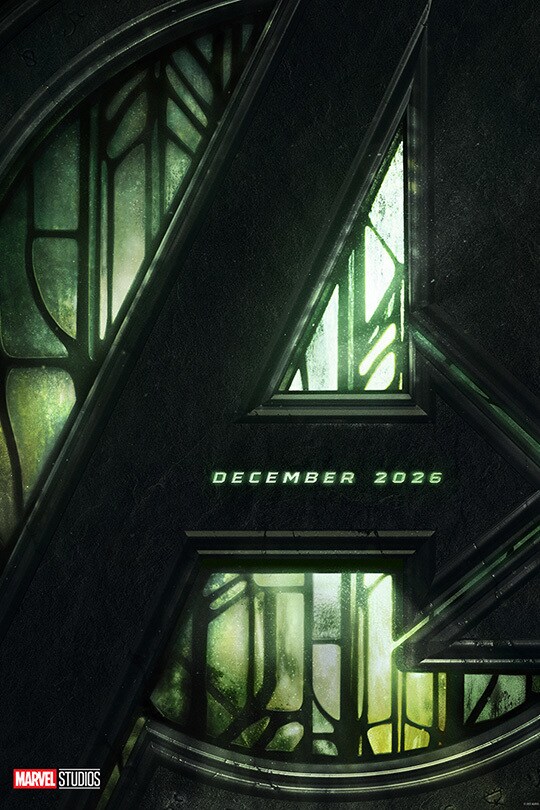
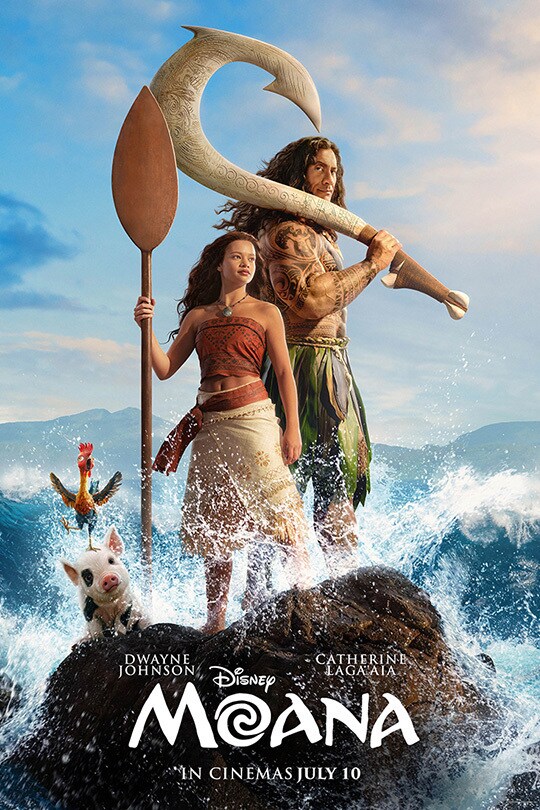
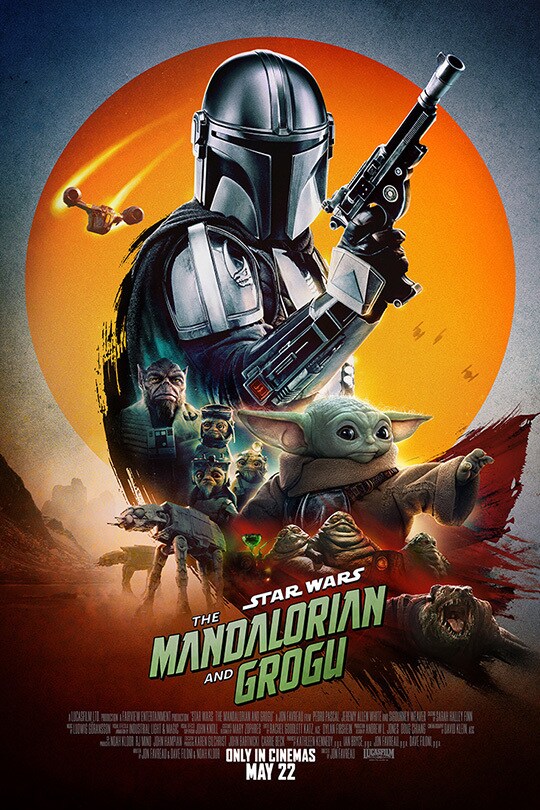
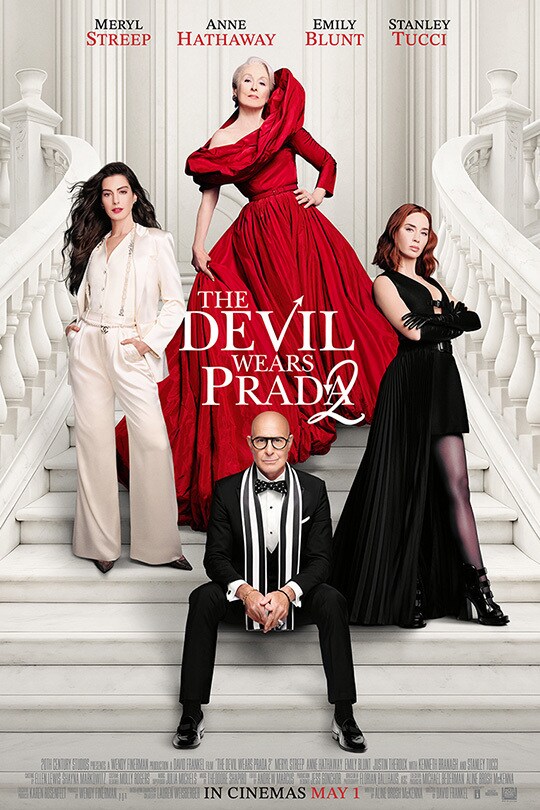
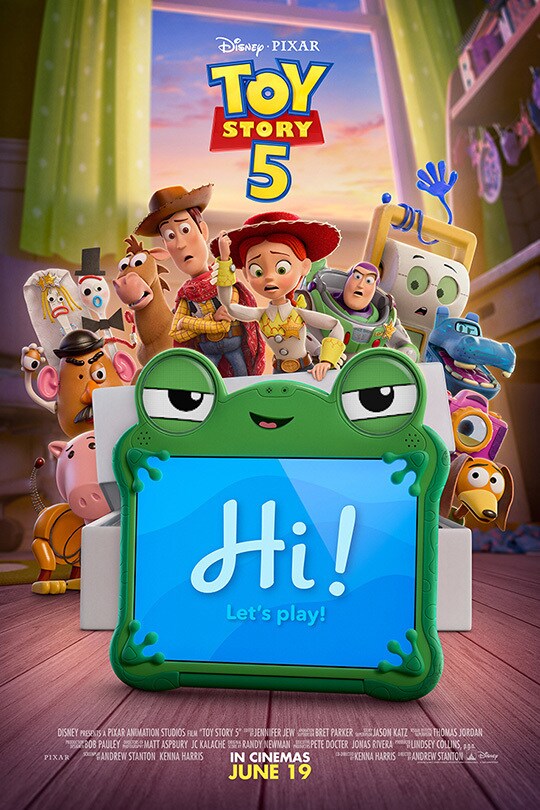
Explore our Movies films Avengers: Doomsday Doomsday is coming. December 2026. films Moana In Disney’s live-action reimagining of the beloved Oscar®-nominated animated adventure, Moana (Catherine Lagaʻaia) answers the Ocean’s call and, for the first time, voyages beyond the reef of her island of Motunui with the infamous demigod Maui (Dwayne Johnson) on an unforgettable journey to restore prosperity to her people. The film is directed by Emmy® and Tony Award® winner Thomas Kail (“Hamilton”); produced by Dwayne Johnson, Beau Flynn, Dany Garcia, Hiram Garcia and Lin-Manuel Miranda; and executive produced by Thomas Kail, Scott Sheldon, Charles Newirth and Auliʻi Cravalho, who voiced Moana in the animated features “Moana” and “Moana 2.” Audiences can experience the brilliant cinematic sights, sounds and songs of “Moana” in cinemas in July 2026. films Star Wars: The Mandalorian and Grogu The Mandalorian and Grogu embark on their most thrilling mission yet in Lucasfilm’s “Star Wars: The Mandalorian and Grogu,” an all-new Star Wars adventure opening exclusively in theaters May 22, 2026. The evil Empire has fallen, and Imperial warlords remain scattered throughout the galaxy. As the fledgling New Republic works to protect everything the Rebellion fought for, they have enlisted the help of legendary Mandalorian bounty hunter Din Djarin (Pedro Pascal) and his young apprentice Grogu. Directed by Jon Favreau, “Star Wars: The Mandalorian and Grogu” also stars Sigourney Weaver and is produced by Jon Favreau, Kathleen Kennedy, Dave Filoni, and Ian Bryce, with music composed by Ludwig Göransson. films The Devil Wears Prada 2 Almost twenty years after making their iconic turns as Miranda, Andy, Emily and Nigel—Meryl Streep, Anne Hathaway, Emily Blunt and Stanley Tucci return to the fashionable streets of New York City and the sleek offices of Runway Magazine in the eagerly awaited sequel to the 2006 phenomenon that defined a generation. The film reunites the original main cast with director David Frankel and writer Aline Brosh McKenna, and introduces an all-new runway of characters including Kenneth Branagh, Simone Ashley, Justin Theroux, Lucy Liu, Patrick Brammall, Caleb Hearon, Helen J. Shen, Pauline Chalamet, B.J. Novak and Conrad Ricamora. Tracie Thoms and Tibor Feldman also reprise their roles as “Lily” and “Irv” from the first film. “The Devil Wears Prada 2” is produced by Wendy Finerman, and executive produced by Michael Bederman, Karen Rosenfelt and McKenna. The film debuts exclusively in cinemas May 1, 2026. films Toy Story 5 The toys are back in Disney and Pixar’s “Toy Story 5,” and this time around it’s Toy meets Tech. Buzz, Woody, Jessie and the rest of the gang’s jobs get exponentially harder when they go head to head with this all-new threat to playtime. Directed by Andrew Stanton, co-directed by Kenna Harris and produced by Lindsey Collins, “Toy Story 5” opens only in cinemas in June 2026. Show More Loading... Follow Disney on: Follow Disney on:
 Disney.co.uk